How to Choose the Right Patch Cable for Your Network Needs?
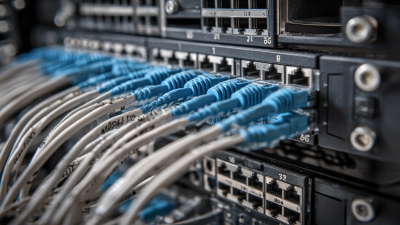
Choosing the right patch cable is crucial for creating a robust network. A patch cable connects various devices within your network. When making this choice, several factors should guide your decision.
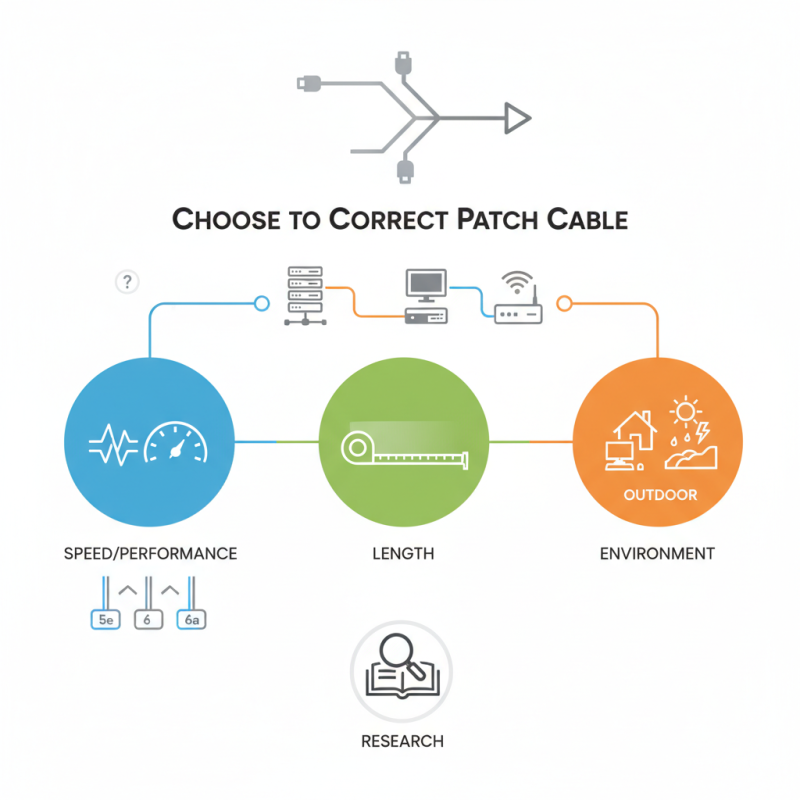
The type of cable can affect speed and performance. For example, Cat5e is suitable for basic tasks. However, if you require higher speeds, Cat6 or Cat6a might be better. Length also matters; a longer cable can lead to signal loss.
Consider the environment where the cable will be used. Indoor and outdoor conditions demand different cable types. A durable, weather-resistant cable ensures reliability. Like many, you might overlook these details initially, but they can significantly impact your network’s efficiency. Always do your research to find the best option for your needs.
Understanding Patch Cables: Types and Their Uses
Patch cables play a crucial role in establishing network connections. There are several types, each designed for different applications. The most common ones are Ethernet cables, which facilitate communication between devices in a LAN. These cables come in various categories, with Cat5e, Cat6, and Cat6a being the most popular. The higher the category number, the better the performance and speed.
Coaxial cables are another option, mainly used for cable internet and TV connections. They consist of a central conductor surrounded by insulation and a metal shield. This construction reduces interference, making them reliable for transmitting data. Fiber optic cables, although often more expensive, provide superior performance over long distances. They use light to transmit data, resulting in higher speeds and improved bandwidth.
Choosing the right type depends on your specific needs. Factors include distance, speed requirements, and budget. Analyzing your network setup can be tricky. You might find that a seemingly simple choice leads to unexpected complications. For instance, using an inappropriate cable may degrade performance. It's essential to research and ensure the cable aligns with your networking goals.
Identifying Your Network Needs: Speed, Distance, and Environment
Choosing the right patch cable starts with understanding your network needs. Speed is essential. Higher speeds require better cable types. For example, a Gigabit network typically demands Cat5e or Cat6 cables. Examine your devices and connections. Are they capable of supporting the required speeds? Simple errors can lead to performance issues.
Distance also plays a crucial role. Ethernet signals degrade over longer distances. A length over 100 meters can result in reduced performance. Consider your layout. Are your devices close together, or are they spread out? A longer setup may require a different cabling solution or even wireless options.
Lastly, the environment matters. Factors like temperature and exposure to moisture can affect cable performance. Indoor and outdoor cables are designed for specific conditions. Reflect on where your cables will be placed. Are there potential sources of interference, like electrical wiring? The right choice can prevent connectivity problems further down the line.
Network Needs Analysis: Speed, Distance, and Environment
Evaluating Cable Specifications: Category Ratings and Bandwidth
When selecting a patch cable, understanding category ratings is crucial. These ratings indicate the cable's performance capabilities. For instance, Category 5e is suitable for basic networking needs, while Category 6 supports higher data rates. If your network demands faster speeds, leaning towards Category 6 or 6a is wise.
Bandwidth is another essential factor. It measures how much data the cable can handle at once. Higher bandwidth is preferable, especially for activities like streaming or online gaming. Categories 5e and 6 can handle up to 100 MHz, but Category 6a can reach 500 MHz, signaling a noticeable performance increase. However, consider your actual use case; sometimes, investing in high-bandwidth cables may lead to diminishing returns if your network appliances can't utilize the extra capacity.
Reflecting on your network environment is also necessary. Not all setups require top-tier cables. Local IT guidelines or specific equipment may dictate cable choices. Matching your cable to your actual network needs ensures efficiency. Higher category cables typically come at a premium, so avoid wasteful spending where it's not needed. Ultimately, choosing the right patch cable means aligning specifications with practical demands.
How to Choose the Right Patch Cable for Your Network Needs? - Evaluating Cable Specifications: Category Ratings and Bandwidth
| Cable Category |
Max Bandwidth (MHz) |
Max Data Rate (Gbps) |
Distance (meters) |
Use Case |
| Cat 5e |
100 |
1 |
100 |
Basic networking and internet access |
| Cat 6 |
250 |
10 |
55 |
HD video streaming, online gaming |
| Cat 6a |
500 |
10 |
100 |
Data centers, enterprise networks |
| Cat 7 |
600 |
10 |
100 |
High-performance networking |
| Cat 8 |
2000 |
25-40 |
30 |
Data centers, high-speed applications |
Choosing the Right Connector: RJ45 vs. Fiber Optics
When selecting the right connector for network needs, the choice between
RJ45 and fiber optics
is crucial. RJ45 connectors are widely used in Ethernet networks.
They are cost-effective and easy to install. According to the 2022 Network Connectivity Report,
over 85% of businesses still rely on RJ45 for local area networks (LAN).
This option supports data transfer speeds up to 1 Gbps over distances of 100 meters.
However, performance can degrade with longer cable runs, especially in environments with high interference.
On the other hand, fiber optic connectors offer superior performance.
They transmit data using light, which allows for much higher speeds and longer distances. Fiber can support speeds upwards of
100 Gbps and distances exceeding 10 kilometers without significant signal loss.
The 2023 Fiber Optic Industry Report notes a growing trend, with fiber optic adoption increasing by
40% in enterprise settings. Despite the higher initial cost, fiber optics can provide better
future-proofing for networks.
Yet, improper installation can lead to performance issues with both types. For example, cumbersome hardware setups or high
levels of environmental interference can compromise connections. Understanding the specific needs of your network will guide
the right choice. Balancing cost, speed, and installation ease is essential for optimal network performance.
Maintaining Your Network: Best Practices for Patch Cable Management
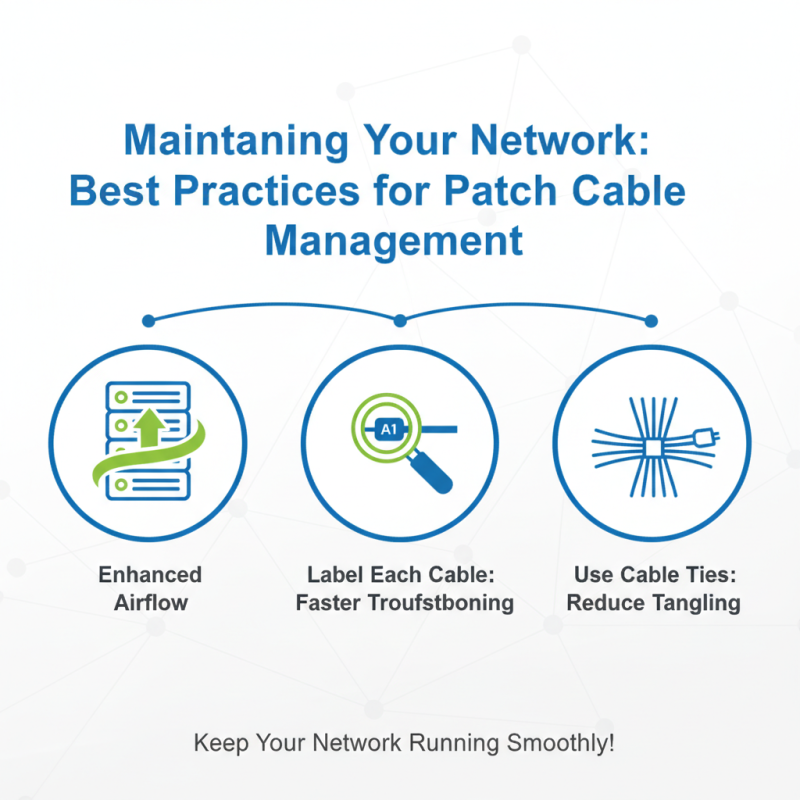
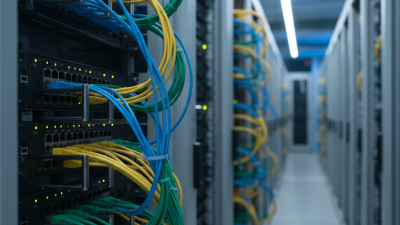
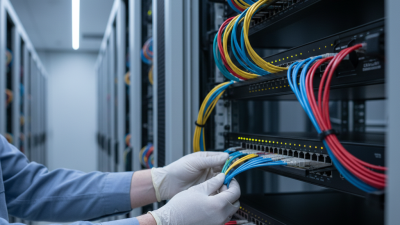
Managing patch cables effectively is crucial for any network. Well-organized cables enhance airflow and minimize the risk of damage. One effective method is to label each cable. Labels help identify connections quickly during troubleshooting. Additionally, using cable ties keeps cords tidy and reduces tangling.
Regular inspection of patch cables is essential. Look for signs of wear or fraying. Damaged cables can disrupt connectivity. When you notice issues, replace them immediately. Ignoring these problems may lead to larger network failures.
Utilizing cable management solutions, like racks and trays, allows for better organization. This promotes efficient operation and prevents miscommunication between devices. Keep in mind that over time, practices may need adjustments. Continuous evaluation of your setup ensures optimal performance and reliability.